How to pay Auckley Show using PayPal or Credit/Debit Card
If you are PAYING AN INVOICE click here (The instructions below are for paying a Donation (200+club payments)
We use PayPal to process payments securely.
You do not need a PayPal account to pay.
Pay as a Guest: Choose the "Guest" option to pay by debit or credit card. Your details will not be stored. Use your Account: If you already have a PayPal account, you are welcome to sign in and use it. Safe & Secure: All transactions are encrypted. We never see or store your bank details
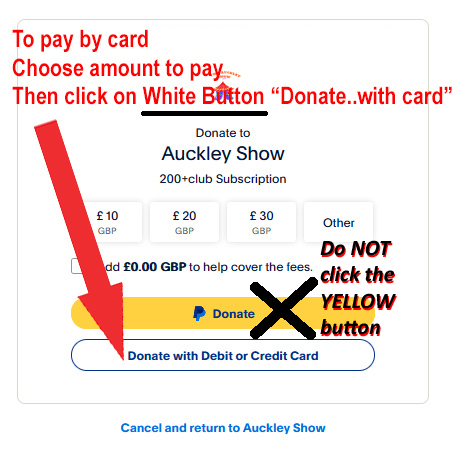
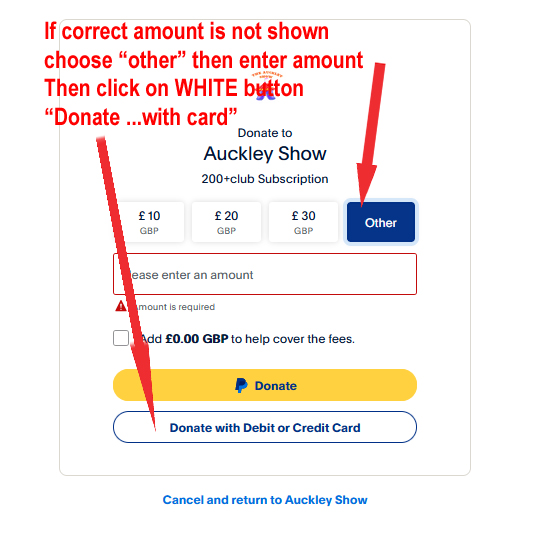
If you have a PayPal account you can log into that account via yellow button
Or you can use the system without a paypal account by clicking on “Pay by Debit or Credit Card”)
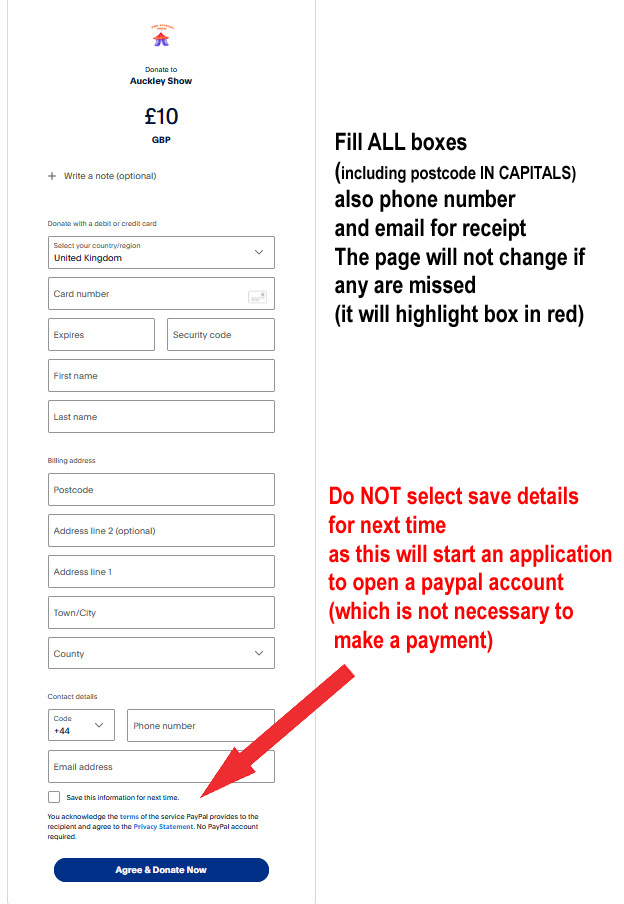
When the screen below appears Fill in EVERY BOX (except address line 2, which is optional) POSTCODE - Use CAPITALS - lowercase doesn’t always work (!) also a telephone number is required If you miss any detail or enter in wrong way the page will not change when you click “Donate Now” and the affected box will be lined in red
You do NOT need to create a paypal account,
DO NOT select “Save this information for next time” Once filled in, complete the payment by clickin on “Agree & Donate Now”
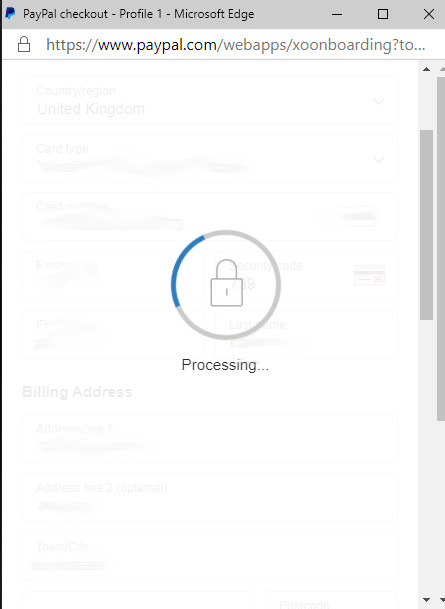
A window may briefly open whilst the payment is processed. Please wait and do not close the window.
( If your bank requires any further security process, this may happen now. This is done by your own bank, please follow their instructions as shown on screen. )
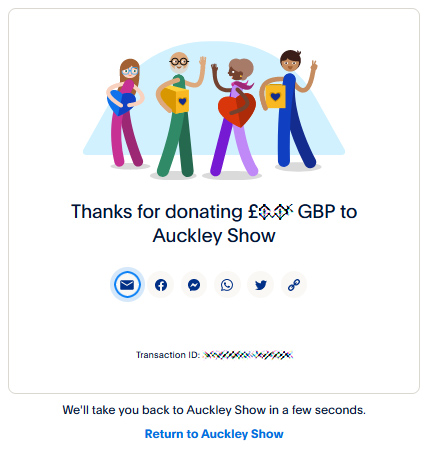
When complete, the screen will show a “Thank you” message Click on “Return to Auckley Show” or WAIT and it should change so that you can see the Auckley Show Website
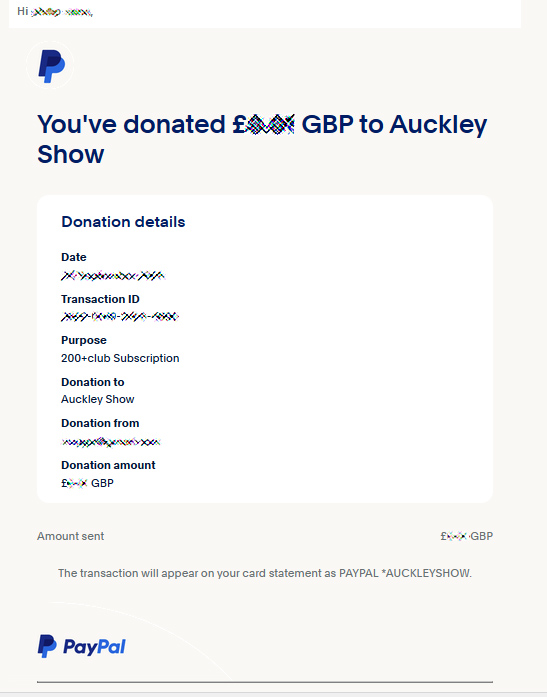
You will also receive an email from service@paypal with a payment receipt